Personalisation has more than one layer
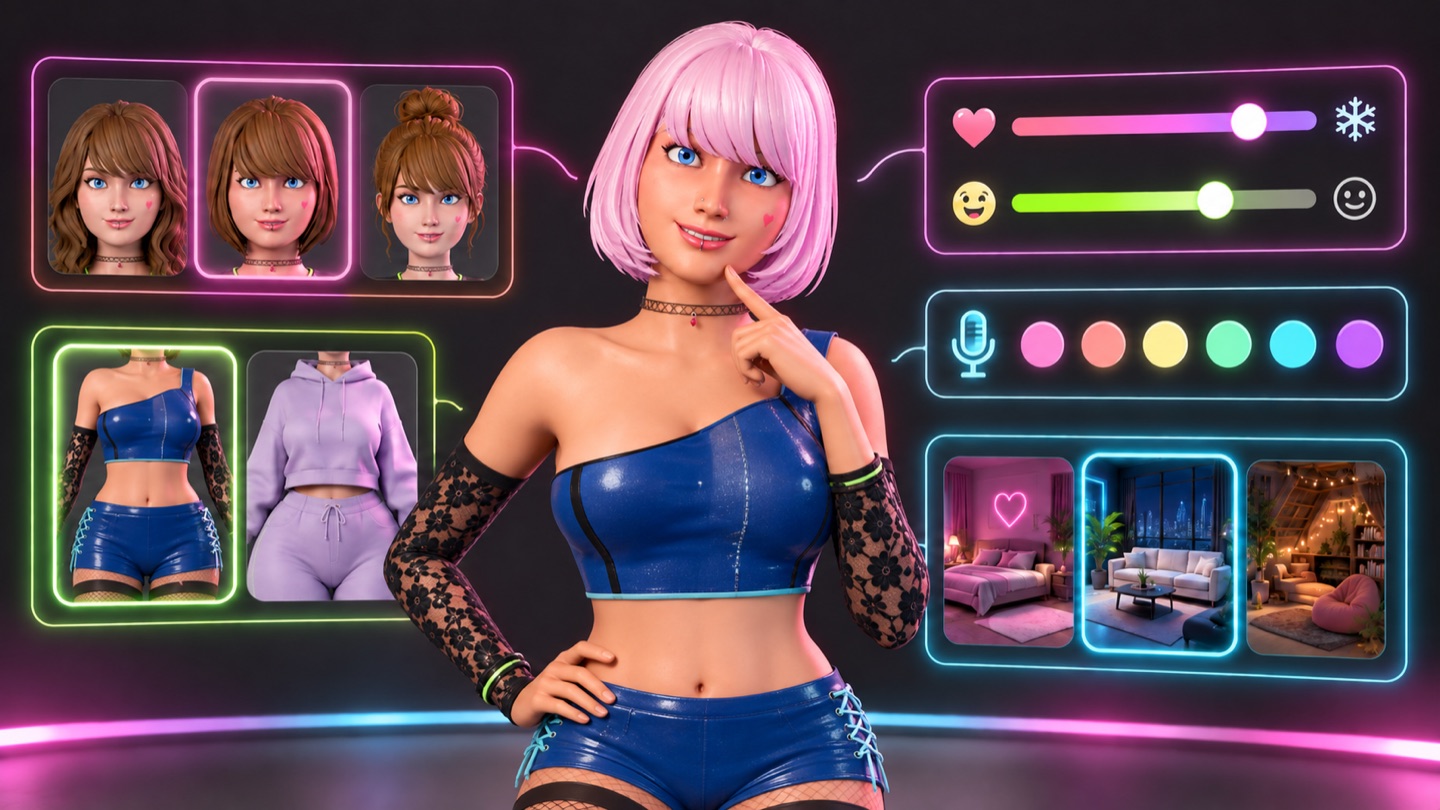
Alys brings together a visible 3D character and an ongoing AI conversation. You can change how she looks, how the conversation feels, how she sounds and where you spend time with her. Those choices live in different controls because they do different jobs.
The 3D world is available before sign-in. Ongoing conversations, personal memories and personality settings require a verified account. Start for free.
Start with appearance
Open the character controls to explore the available hair, face, body and clothing options. Try a few deliberate combinations rather than changing everything at once: choose a hairstyle, settle on a colour and then select clothing that suits the look.
On mobile, appearance editing helps with framing. Face and hair controls bring the camera close, while body editing uses a full-body view. If free roam was active before you entered the panel, closing it returns you to the roaming experience.
A saved visual choice and a saved conversational memory are different things. Changing hair colour is a scene setting; it is not a reason to assume the language model has automatically seen the change. If appearance is relevant to a fictional conversation, describe the detail you want to use.
Set the conversational tone
For signed-in users, Your Alys includes a friendly or romantic preference plus controls for warmth, playfulness and response length. Start with those simple settings before writing detailed instructions.
A useful personality instruction is concrete: “Keep replies fairly short, ask one question at a time and use gentle humour.” An instruction such as “be perfect for me” gives far less guidance about what you enjoy.
You can adjust the tone after a few exchanges. If replies feel too long, change the length preference. If jokes interrupt a quieter conversation, lower playfulness. Personalisation works best as a small adjustment followed by an actual conversation.
These settings guide an AI response; they do not guarantee that every reply will match your intention. Advanced instructions also do not override the app’s safety or access rules.
Find a voice that feels like her
Voice is optional and available with a paid plan or remaining purchased voice balance. Choose from ten catalogue voices described by accent and tone. A brief sample uses your spoken-character allowance so you can listen before saving a preference.
Try a short sample with two contrasting catalogue voices and notice pace and clarity, not only accent. Previews use your spoken-character allowance. Read the voice and lip-sync guide for details.
Change the atmosphere
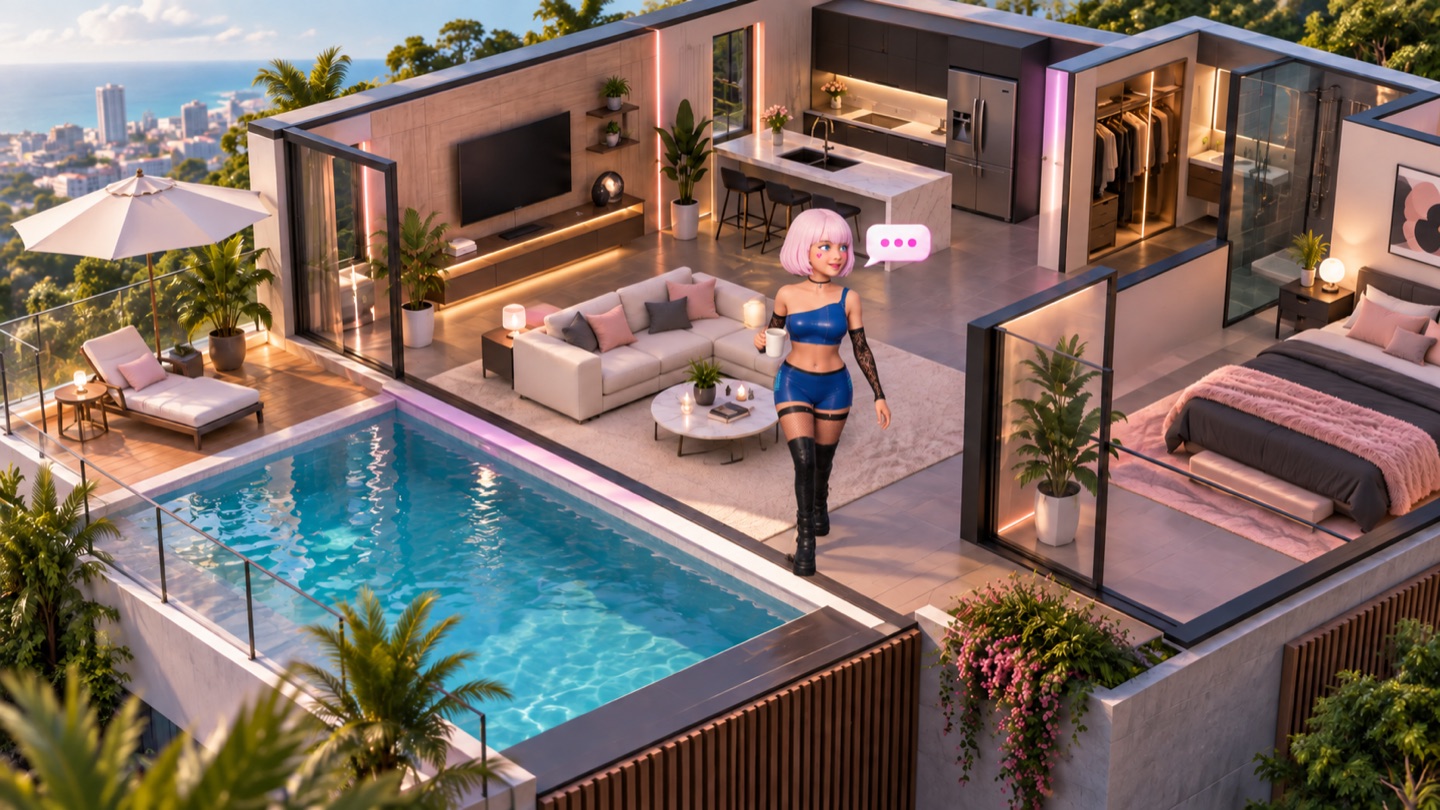
The available homes include the Residence, Candyland, Midnight Loft, Kyoto Retreat, Palm House and the Dungeon. The setting, lighting and camera framing can change the visual mood without requiring you to start a new conversation.
Use the scene as a backdrop for an imagined moment if you like, but do not assume the AI knows which room you are looking at. A short message such as “Let’s imagine a quiet evening by the pool” supplies that context explicitly.
Keep personalisation understandable
Appearance, personality, voice and memories each have their own purpose. If a remembered fact is wrong, edit the memory rather than trying to fix it through a wardrobe change or a long personality instruction. If you want to begin again, review the conversation and memory reset controls.
Explore Alys, then use the memory guide to understand the personal information behind future conversations.
Feature guide from the Alys team, checked 28 September 2026.